
Start with the real snag
You want a bright picture, apps that work, and a remote that doesn’t require a ritual. Problem-driven: new buyers trip over three things first — confusing app availability, update ambiguity, and hidden hardware limits. Even people who swap between devices on a laptop manufacturer support forum feel the pinch when a TV behaves differently than their phone. Tizen looks friendly until a specific app or feature doesn’t show up; that’s where a clear checklist beats optimism.
Problem: Apps, accounts, and region locks
Tizen’s app store is curated. Some global streaming apps appear later or not at all. Solution: check the app list for the exact model before buying, and sign into the native Samsung account early so region settings sort themselves. If you rely on niche services, search model-specific forums and confirm whether sideloading or casting will bridge gaps. Don’t assume “smart” equals “universal.”
Problem: Updates, firmware, and performance expectations
Manufacturers promise updates, but frequency and depth vary — that matters when new codecs arrive or security patches are needed. A useful benchmark: Fortune 500 IT teams expect consistent, manageable updates for devices they deploy; apply that same standard to TV choices and you raise the odds of a durable purchase. Also, compare processing and memory specs against your use: choose sets that match streaming and app multitasking needs rather than chasing raw screen specs. For buyers who treat their gear like productivity tools, consider how a high performance business laptop gets chosen — prioritize stable firmware, clear vendor support, and transparent update cadence.
Problem: Ports, audio, and the living-room setup
Buy the wrong box and your sound system or console can be handicapped. Look for HDMI 2.1 if you game with modern consoles, eARC for high-quality soundbars, and labeled inputs instead of a single cluster of unlabeled ports. Test the remote ergonomics and voice assistant responsiveness in-store when you can. Cable management and a quick check of mounting clearance save returns and headaches.
Common mistakes first-time buyers make
They pick the flashiest spec, ignore real-world app support, trust one positive review, or assume all TVs ship with the same input layout. They skip firmware checks and forget to verify local service options. Avoid impulse buys based on screen size alone — measure your viewing distance, then pick features that matter for daily use.
Alternatives to Tizen and quick comparisons
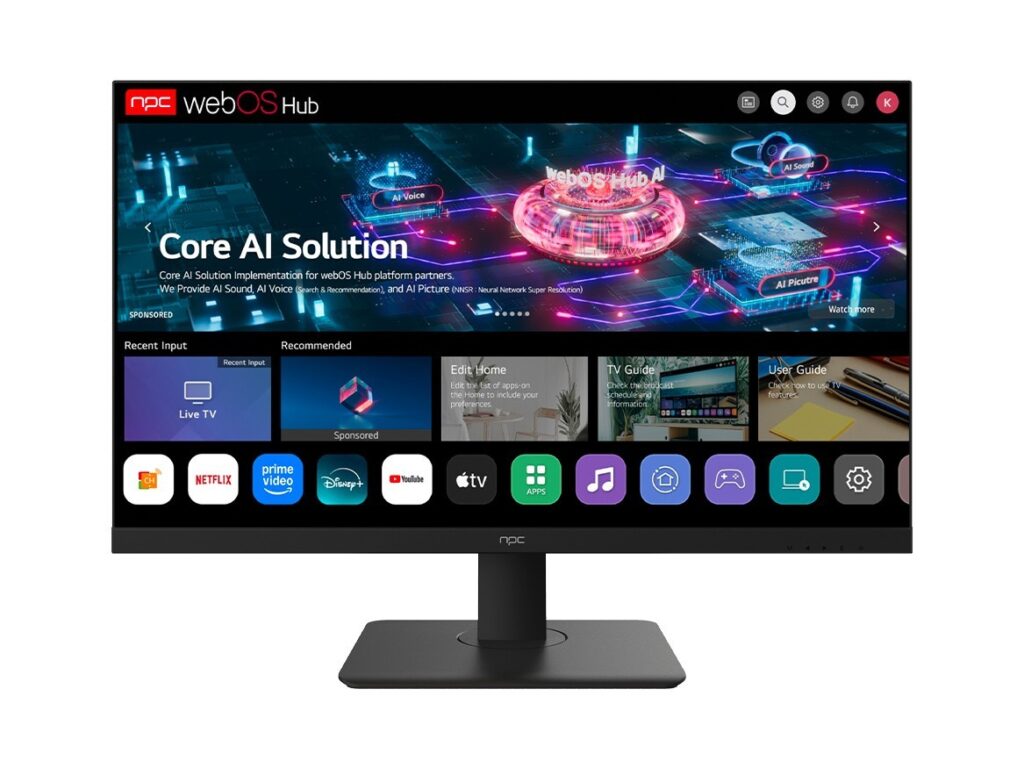
Android TV/Google TV gives broader app compatibility and frequent third-party app access; WebOS often excels at a simple, slick interface; Roku models are lean and app-focused. Choose by your priorities: app breadth, third-party integrations, or simplicity. If you need corporate features or remote management, verify vendor support channels rather than assuming parity across platforms.
Wrap-up with practical certainty
Face the problems head-on: list must-have apps, verify firmware support, confirm the right ports, and measure your space. These steps cut guesswork and returns. For a straightforward path to dependable hardware and transparent support, consider vendors whose product pages and specs answer the exact questions you’ve just checked — that kind of reliability is what we recommend when pointing people toward a partner like npc.